
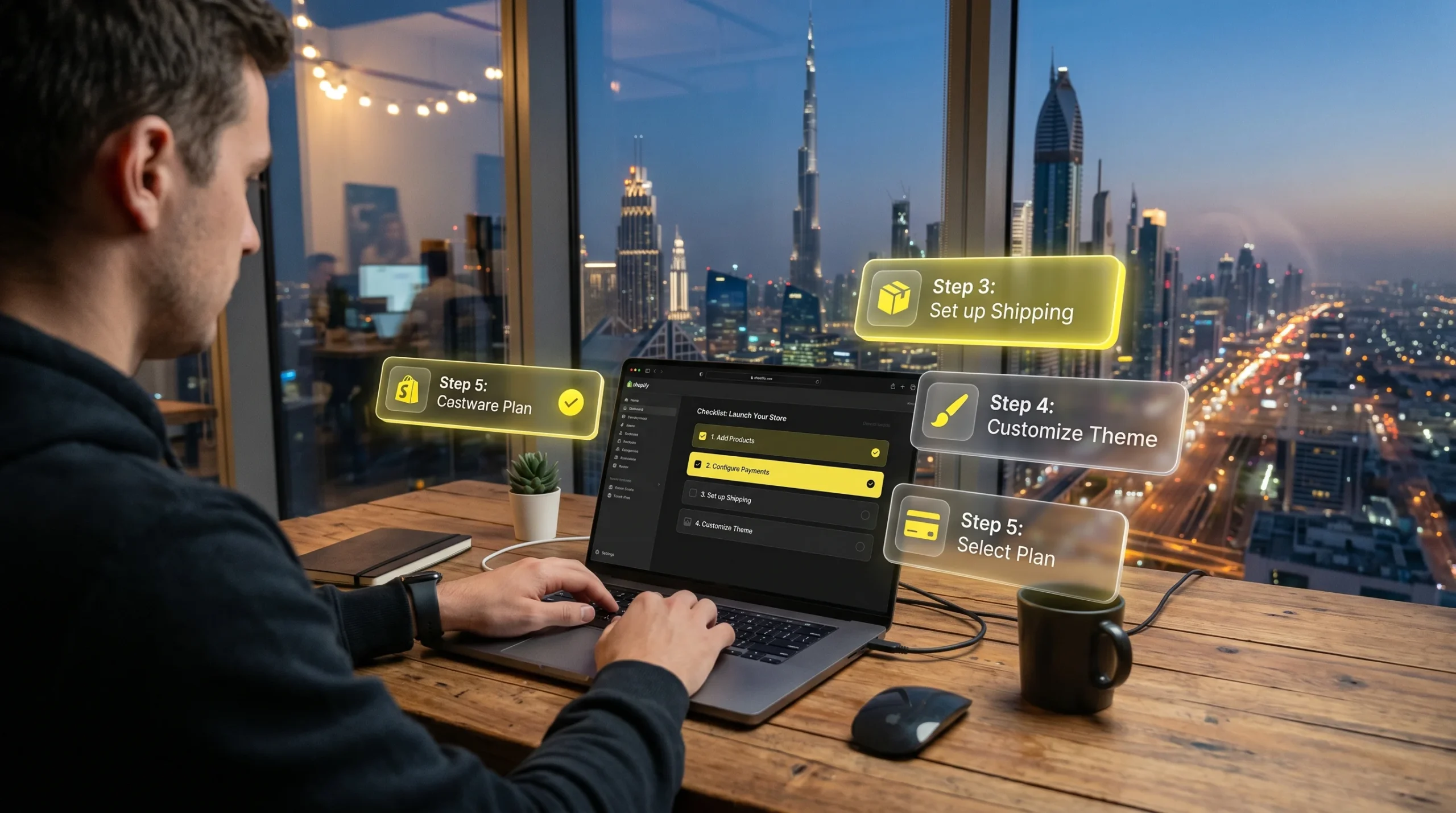
I get this question from Dubai entrepreneurs almost every week: "How do I actually start a Shopify store in the UAE?" Not the generic "sign up and pick a theme" version — the real version. What licences do you need? Which payment gateway works? How do you handle COD? What about Arabic?
This guide covers all of it. I've helped ecommerce brands across Dubai, Abu Dhabi, and Sharjah set up and scale on Shopify, and the mistakes I see are almost always the same ones. We'll skip those.
A homeware brand in Al Quoz came to me after six months of selling only through Instagram. They had the products, the following, and the demand — but no proper online store. We launched their Shopify store in 11 days. Within three months, their average order value was up 40% and they stopped losing sales to the "DM to order" friction. The store now runs a Google Ads campaign targeting Dubai and Abu Dhabi that brings in consistent daily orders.
Step 1 — Sort the Legal Side First
A lot of people skip this and start building the store. Don't. In the UAE, you need a trade licence to legally operate an ecommerce business. The good news is it doesn't have to be expensive or complicated.
If you're a solo founder, a freelance permit from a free zone — IFZA, Meydan, or Shams — costs between AED 5,500 and AED 12,000 annually and is perfectly valid for running an online store. A full DED licence gives you more flexibility to hire and operate on the mainland, but it's not necessary to start. Most of the Shopify stores I work with in Dubai started on a free zone licence and scaled from there.
Step 2 — Start Your Shopify Trial
Shopify currently has a deal that makes sense to use: 3 days free, then 3 months at $1/month. That's less than AED 4 a month. Use this period to build out your store properly before any real costs kick in.
When you sign up, set your store currency to AED from the start. Go to Settings → Store Details → Store Currency. Do this before adding products — changing it later causes headaches.
3 Days Free + 3 Months for $1/Month
Full Shopify access. Set up your Dubai store risk-free. Cancel any time.
Start Your Free Shopify Trial → Affiliate link — I earn a commission at no extra cost to you.Step 3 — Choose Your Theme and Set Up the Basics
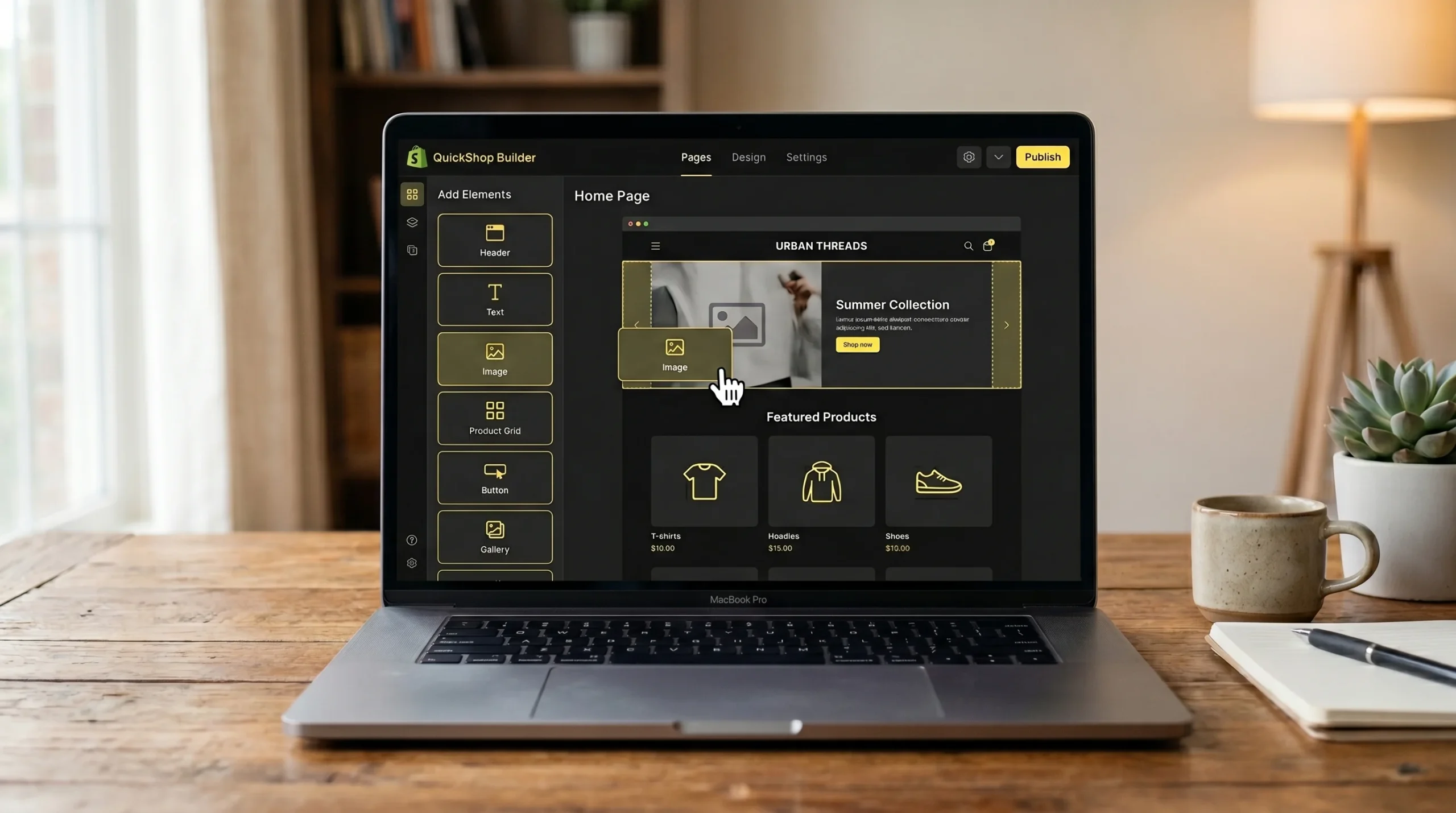
Shopify has free and paid themes. For a Dubai-based store, I'd recommend starting with a free theme like Dawn — it's fast, mobile-first, and supports Arabic. You can always upgrade later. Paid themes from the Shopify Theme Store range from $180 to $380 and are worth it if design is central to your brand, but they're not necessary to launch.
Key settings to configure before anything else:
Enable Arabic language
Go to Settings → Languages → Add Language → Arabic. This enables RTL layout for Arabic-speaking customers across Dubai and Abu Dhabi — a significant portion of your market.
Set up your shipping zones
Create zones for Dubai, Abu Dhabi, Sharjah, and other Emirates separately so you can offer different rates. Add a UAE-wide zone as a fallback. COD is a separate setting — enable it under Payment Methods.
Configure taxes correctly
VAT in the UAE is 5%. In Shopify, go to Settings → Taxes → UAE → enter 5%. Decide whether to show prices inclusive or exclusive of VAT — most UAE B2C stores show VAT-inclusive pricing.
Connect your domain
A .ae domain gives local trust signals — buy one from Namecheap or GoDaddy and connect it in Settings → Domains. If you already have a domain, point the DNS records to Shopify's servers. It takes 24 to 48 hours to propagate.
Step 4 — Connect a UAE Payment Gateway
This is where most Dubai store owners get stuck. Shopify Payments is not available in the UAE, so you need a third-party gateway. The most reliable options right now are Checkout.com and PayTabs. Both integrate directly with Shopify and support AED transactions.
If you want to offer buy-now-pay-later — and you should, because Tabby adoption in the UAE is high — add Tabby as a separate payment method. It takes about 30 minutes to set up and can meaningfully increase your average order value. Read more in my dedicated guide on Shopify payment gateways for the UAE.
Step 5 — Set Up Shipping with UAE Providers

Aramex and Fetchr are the two most commonly used delivery partners for Shopify stores in Dubai. Both have Shopify apps that automate label creation and tracking. Aramex is better for UAE-wide coverage; Fetchr is faster for same-day deliveries within Dubai.
If you're dropshipping or using a 3PL, make sure your fulfilment partner has a Shopify integration — most of the reputable ones in Dubai do. And always offer COD at launch. A large percentage of first-time buyers in the UAE won't pay online from a brand they've never heard of.
Step 6 — Add Your Products Properly
Good product pages are where most UAE stores fall short. Write product descriptions in both English and Arabic. Use real photographs — studio shots or lifestyle images. Add your actual weight and dimensions to every product so shipping rates calculate correctly at checkout.
For SEO, each product page title should include the product name plus a location or category term where it fits naturally. "Leather Wallet Dubai" is more searchable than just "Leather Wallet." The SEO principles that work for Dubai ecommerce are different from generic advice — local intent matters.
Step 7 — Drive Traffic Before You Need It
A Shopify store with no traffic is just a website. Most new stores in Dubai get this wrong by launching first and thinking about traffic second. You need both at the same time.
The fastest way to get early sales on a new Dubai store is Google Ads targeting UAE search terms. Meta Ads work too, but Google captures people who are already looking for what you sell. Start with a small daily budget — AED 50 to 100 — and focus on two or three product categories.
The Launch Checklist

Before you remove the password and go live, run through this:
Test checkout end-to-end
Place a real test order using your payment gateway's sandbox mode. Check that confirmation emails send correctly and that VAT is calculated properly.
Check mobile experience
Over 80% of UAE online shoppers browse on mobile. Test your store on an Android and an iPhone before launch — not just on a desktop browser.
Set up Google Analytics 4 and Google Search Console
Connect both before launch so you have data from day one. Shopify has a direct GA4 integration. Search Console needs a DNS verification or HTML tag.
Install Facebook Pixel and TikTok Pixel
Even if you're not running social ads yet, install the pixels now. Audience data starts building immediately and will make your first paid campaigns significantly cheaper.
If you want hands-on help with the setup, traffic strategy, or scaling your Dubai Shopify store, get in touch here — this is exactly the kind of work I do for businesses across the UAE.